This is to ensure that when you download the App you will be directed to the correct centre.
(Missing out on this step could cause an issue with your account setup. Please contact[email protected]if you have any issues.)
Step 2: Click on either App Store (iPhone) or Google Play (Android) and search for Mywellness. Click on download – This is FREE of charge.
Step 3: See step 1 – once you have created your account you can continue with the email you setup with. When setting up you will be asked to enter a series of details including name, height, weight, etc., This is so the App can accurately track your progress and cater information for you personally.
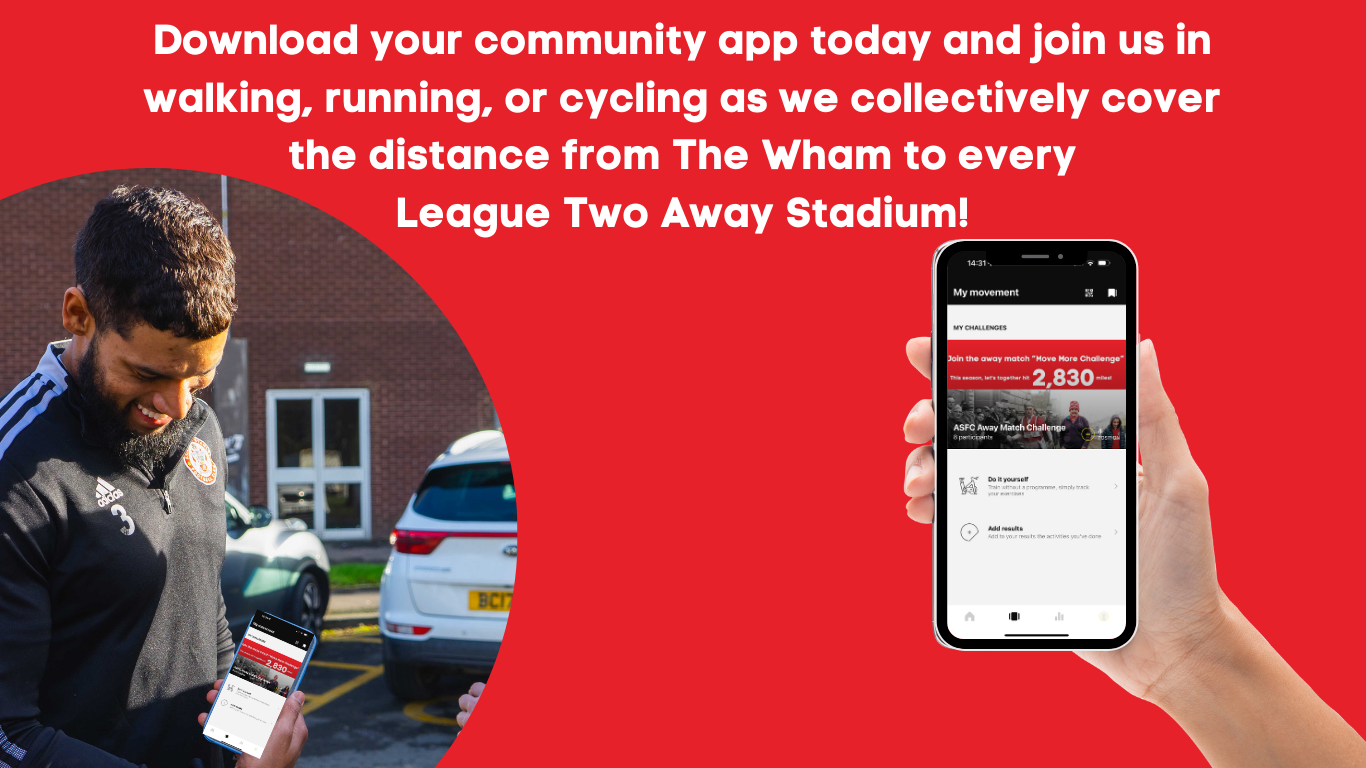
Step 4: To join the Let’s Move Challenge all you need to do is scroll down the homepage of the App until you see a selection of challenges under JOIN OUR CHALLENGES.
Click on the Let’s Move Challenge and then select, JOIN THE CHALLENGE in the yellow pop up box. You will then be signed up to the challenge.
To check your challenge progress go the My Movement page within the App.